

 Mobile Development
 Android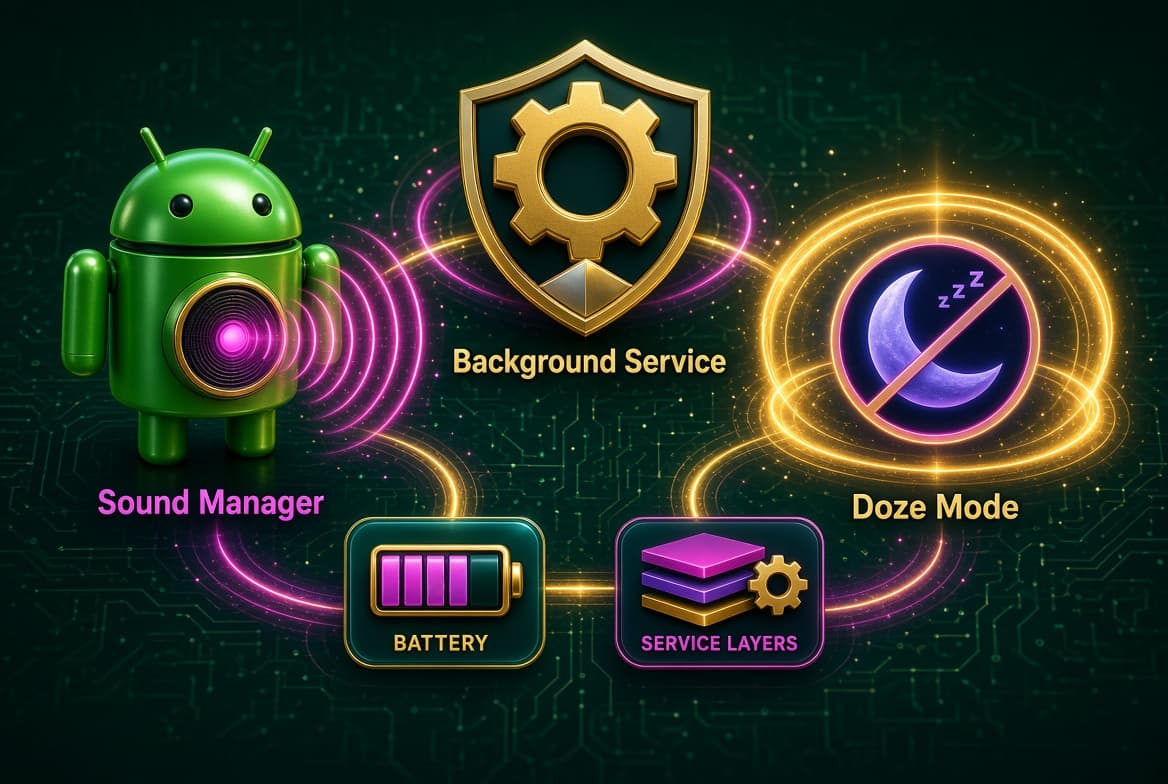

It was the final ten minutes of a high-stakes client presentation. I was mid-sentence, explaining a complex system migration, when my phone erupted with a loud, aggressive ringtone. The room went silent, but my phone did not. I scrambled to silence it, accidentally hitting the volume buttons while fumbling with the screen. That moment of pure, unadulterated embarrassment followed me for days. It was not the first time this had happened, but it was the time I decided I had finally had enough of relying on my own memory to toggle sound profiles before entering sensitive environments.
By the Numbers
- Most of us live in a state of perpetual concern regarding our devices.
- We walk into movie theaters, attend religious services, or sit through medical consultations, constantly checking our pockets to ensure we have toggled the mute switch.
- If we forget, we face the social friction of a disruption.
- The existing solutions were either too manual—requiring a conscious effort I rarely possessed in the moment—or too intrusive, demanding constant location permissions and draining the battery to perform simple state changes.
- I wanted something that functioned as a set-and-forget background utility.
- I needed a system that understood the context of my environment without requiring me to interact with an interface every time my routine shifted.
To build this, I had to architect a background service that could survive the aggressive power-management constraints of modern Android, specifically Doze mode. The primary challenge was ensuring that my sound-toggling logic fired precisely when a rule was triggered, even if the device had been sitting idle for hours. I initially experimented with a standard Service, but Android’s lifecycle management quickly killed it to save resources. I shifted to using a ForegroundService with a persistent notification, which is the standard approach for long-running tasks, but that only solved the visibility part. The real hurdle was the timing accuracy required for events like prayer times or calendar-based meetings.
What to Watch
The Response
I eventually realized that relying solely on a service was a mistake. I needed to leverage AlarmManager with setExactAndAllowWhileIdle. This allows the system to wake the device from Doze mode to fire a broadcast, which I then use to trigger the AudioManager state changes. The architecture looks roughly like this:
What to Watch
kotlin val alarmManager = context.getSystemService(Context.ALARM_SERVICE) as AlarmManager val intent = Intent(context, MuffleBroadcastReceiver::class.java) val pendingIntent = PendingIntent.getBroadcast(context, requestCode, intent, PendingIntent.FLAG_IMMUTABLE)
alarmManager.setExactAndAllowWhileIdle( AlarmManager.RTC_WAKEUP, triggerTimeInMillis, pendingIntent )
By decoupling the scheduling from the execution logic, I ensured that even if the OS aggressively restricts background processes, the kernel still respects the alarm trigger. The MuffleBroadcastReceiver then handles the heavy lifting, checking the priority of the current routine against any overlapping rules before calling audioManager.setRingerMode to toggle between silent, vibrate, or Do Not Disturb. This separation of concerns—scheduling via AlarmManager and execution via BroadcastReceiver—is what keeps the system stable across different manufacturer implementations of the Android OS.

Hermes Smith